

Run a safe query in SQL Lab
SQL Lab helps answer questions that require preparing data before you build a chart.
Pregunta real de plantaReal plant question
What was the average CPPW value in each of the last eight recorded hours?
- FuenteSource
robotic.sensor_data- TiempoTime
- timestamp · by hour
- MétricaMetric
AVG(CPPW)- RangoRange
- 8 hours ending at the latest reading
Before you run it
- Confirm that the database is Aurora MySQL (Data API).
- Confirm the
roboticschema. - Start with
SELECT; do not useUPDATE,DELETE, orDROP. - Limit the period and request only the columns you need.
SELECT FROM_UNIXTIME( FLOOR(UNIX_TIMESTAMP(`timestamp`) / 3600) * 3600 ) AS hora, AVG(`CPPW`) AS promedio_cppw, MIN(`CPPW`) AS minimo_cppw, MAX(`CPPW`) AS maximo_cppw, COUNT(*) AS lecturasFROM `robotic`.`sensor_data`WHERE `timestamp` >= ( SELECT DATE_SUB(MAX(`timestamp`), INTERVAL 8 HOUR) FROM `robotic`.`sensor_data`) AND `CPPW` IS NOT NULLGROUP BY horaORDER BY hora;Run and read the result
- Select Run.
- Wait for the rows and execution time to appear.
- Confirm that
horais sorted. - Check that minimum ≤ average ≤ maximum.
- Use
lecturasto spot hours with too few readings.
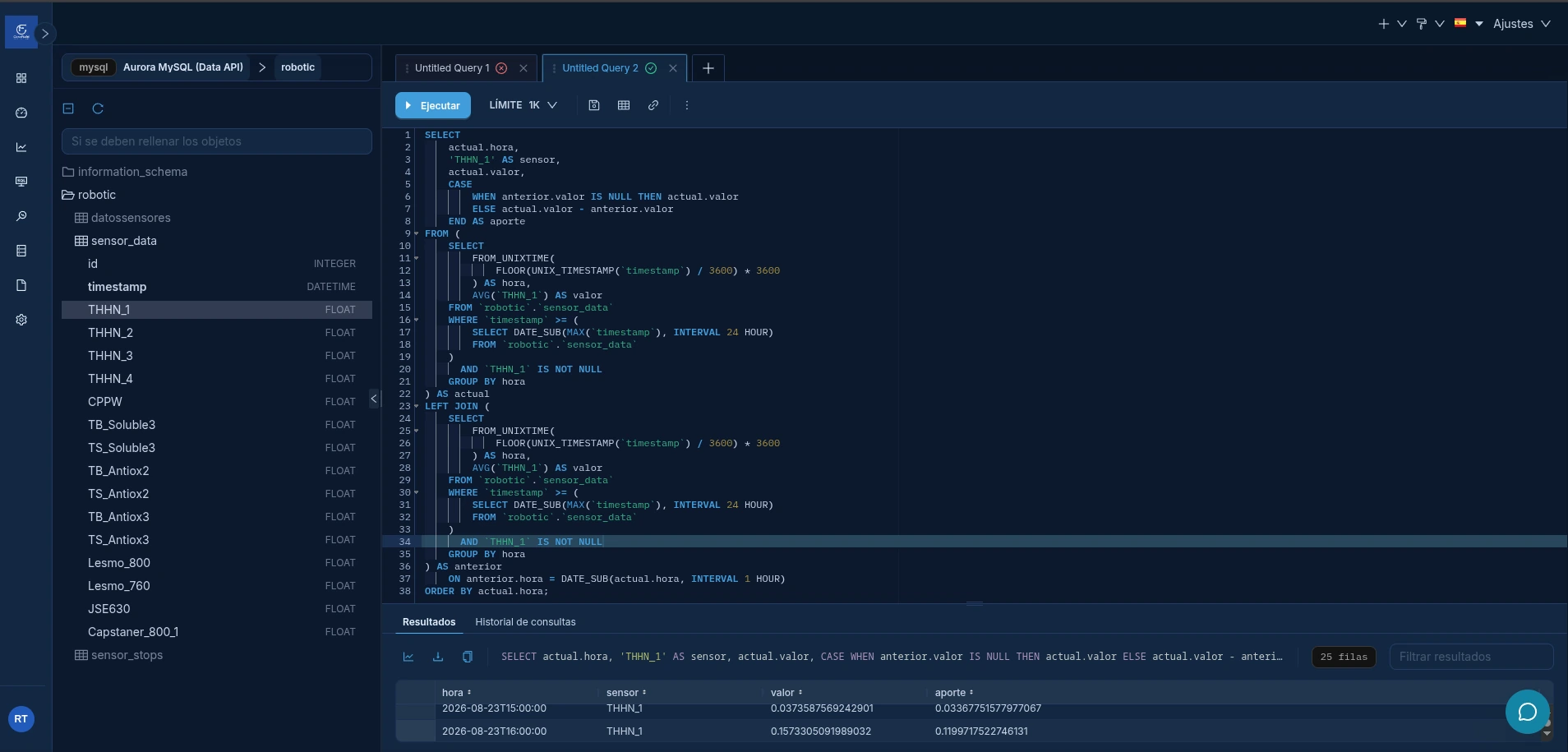
Save, download, or convert
- Save query: keeps the SQL so you can run or review it later.
- Query history: helps recover a previous run and see whether it failed.
- Download CSV: exports the visible rows for work outside CORE FIELD.
- Save as dataset: turns the query into a virtual source for Explore.
Resultado esperadoExpected result
The query returns one row per hour, with coherent values and without changing the original records.
To reuse the result in several charts, continue with Create and maintain a virtual dataset.